
【Echo Tech】 Maintenance set SB01 and SB02
| Name | Maintenance set SB01 | Maintenance set SB02 |
| Picture | 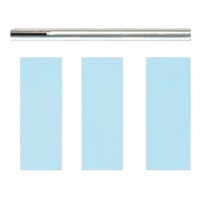 |
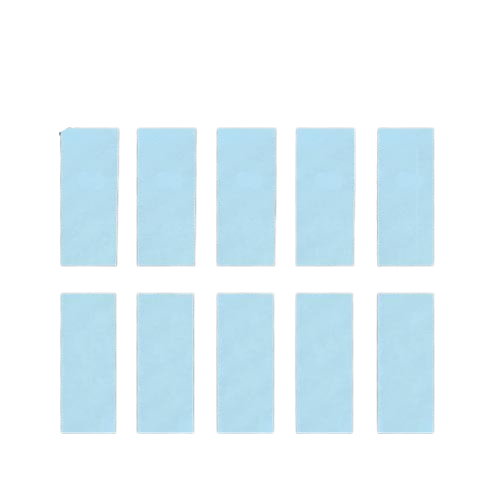 |
| Introduction | 3 abrasive papers + 1 cleaning bar | 10 abrasive papers |
| How to use | Place the abrasive paper on the maintenance rod and wrap it around the bar (silver) with the abrasive paper side facing outwards. Insert the bar with abrasive paper deep inside the horn and turn the rod to rub the dirt off the inside wall. Replace the abrasive paper with new one when it becomes contaminated or torn. |
After you get “cleaning bar” (SB01), please get only SB02. Only abrasive papers will be kept consume after using it. |
Maintenance = To check 3 things on ZO series cutters by user’s side.
① Check if blade or anchor are broken and contaminated. → Replace the defective parts.
② Clean inside the horn.
③ Tighten the screw until it gets tightened with 0.6 N・m.
Maintenance sets are for cleaning inside the horn (②).
※The followed things are explained in the video which is on the top of this page.
投稿者プロフィール